


Need some help?
Please open a ticket with your template and technical questions using the form below and we’ll respond within 48 hours.
Frequently Asked Questions
-
Each Grandview Collective template is a ready-to-customize website built on Squarespace 7.1’s Fluid Engine. You’ll start by picking a design that fits your vibe (or take our quiz if you’re unsure). Once purchased, you’ll get instant access to a private resource library full of step-by-step video tutorials, checklists, and guides to walk you through every part of setup.
You can choose to have your new design:
Installed as a brand-new site (with a 12-month free trial from Squarespace), or
Added to your existing site in the “Not Linked” section for a fresh layout refresh.
Within 48 hours, you’ll get an email with access to your site, and from there, you can update fonts, colors, imagery, and content to match your brand. Every section is drag-and-drop friendly — no coding required.
-
These templates are built for small business owners, creatives, and entrepreneurs who want a high-end, strategic website without the custom price tag.
Perfect for interior designers, photographers, wellness studios, real estate teams, coaches, or any service-based business ready to elevate their brand and convert visitors into clients.
Even if you’ve never touched Squarespace before, our tutorials make it simple to launch confidently — no tech degree required.
-
No problem. After checkout, you’ll tell us whether you want your new design:
As a new website with a 12-month trial (you’ll migrate content when you’re ready), or
Installed into your current site as new “Not Linked” pages.
Your existing domain and subscription stay put if you choose the second option. Not sure which route to take? We’ll walk you through it.
-
Your template includes a 12-month Squarespace trial, but when you’re ready to launch (or once your trial ends), you’ll need to:
Purchase a Squarespace plan (Business or Commerce if you’re adding a shop).
Purchase or connect your domain name — either through Squarespace or a third-party like GoDaddy or Namecheap.
Squarespace sometimes includes a free domain for annual subscriptions — a nice bonus!
-
Not at all. Our templates are completely code-free and built with Squarespace’s native features.
If we’ve included a small CSS snippet for design polish, it’s already implemented and optional. Want to add your own custom touches later? You totally can — but it’s never required. -
Each template comes with editable Canva files for all custom graphics, so you can update colors, fonts, and imagery to align with your brand. Canva’s drag-and-drop interface makes it simple — and we include video tutorials for every graphic element.
(Pro tip: Canva Pro’s free 30-day trial unlocks premium fonts and tools if you want to try them out.) -
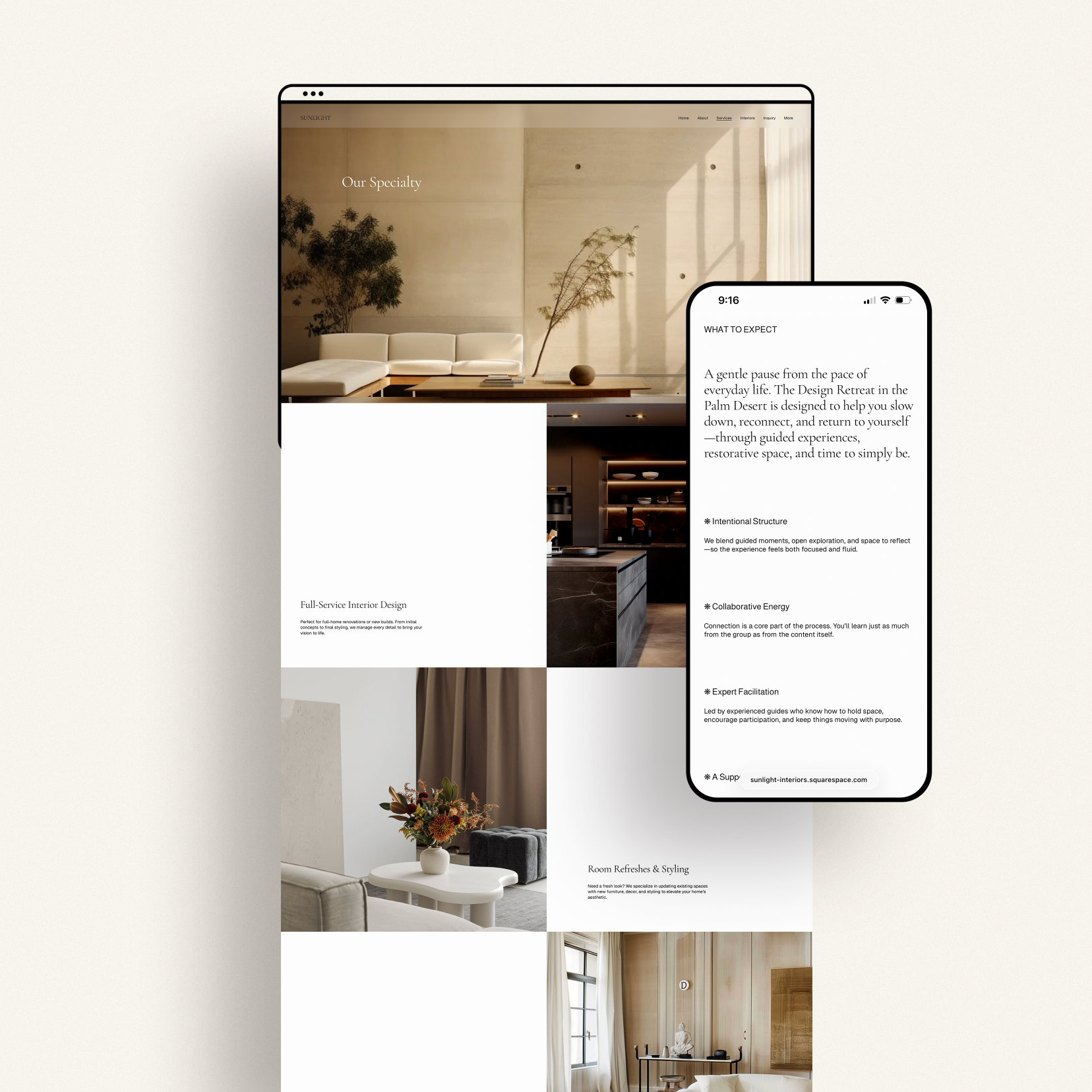
Yes! Each template is built with Squarespace 7.1’s Fluid Engine, which gives you full control over your mobile layout. Your site will look polished and responsive across every device.
-
Absolutely. All templates are designed following SEO best practices, including proper heading structure and mobile optimization.
Your content plays a big role, too — so we include an SEO checklist in your resource library to help you optimize your pages, images, and text.
-
Browse the live demos and pay attention to layout more than color or imagery (you can customize all of that). Ask yourself:
Which layout best fits my content or services?
Which one would require the least restructuring?
Which one just feels right?
Each template includes pages built for real businesses — think Home, About, Services, Blog, Contact — and can easily be adapted for your industry. Need help choosing? Reach out — we’ll help you find the perfect fit.
-
Absolutely. Every detail — from typography and color palette to section layouts and buttons — can be edited to match your branding. Our video tutorials guide you through applying your brand fonts, colors, and imagery. Use the template as a foundation, then make it completely your own.
-
Yes! Your purchase includes email support plus access to our full library of tutorials and video guides.
We’re here to help with any questions related to your template setup and customization, and we typically reply within one business day.Need hands-on help or want us to customize it for you? Ask about our Template Styling Service for done-for-you setup and design tweaks.
-
Definitely. If DIY isn’t your thing, we offer done-for-you template customization — we’ll style the site to match your branding, load in your copy and imagery, and make sure it all flows beautifully.
If you just need small adjustments or one-off design help, hourly support is available too. -
Once you’ve completed checkout, you’ll receive an email within 48 hours with:
Your installation option (new site or existing site)
Access to your resource library and tutorial hub
Your new site will appear in your Squarespace dashboard ready to personalize and launch.
-
You’re in good hands. Squarespace is one of the most beginner-friendly website platforms out there, and our tutorials cover everything — from setup and editing to launch day.
We’ll walk you through each step so you can confidently manage your site long after it’s live. -
Yes to both. Every Squarespace template supports blogging and e-commerce.
You can sell physical products, digital downloads, services, or subscriptions — just note that you’ll need a Business or Commerce plan for shop functionality.
Our guides also show you how to add, style, and schedule blog posts to fit your brand. -
Because our templates are digital products, all sales are final.
We recommend exploring demos, reading the full product details, or reaching out with any questions before you purchase — we’re always happy to help you make sure it’s the right fit.